The Free Browser-Based Pixel Art Studio for Game Developers
Layers, frame-by-frame animation, Onion Skin, Sprite Sheet export, transparent APNG, Screen Recorder — all running locally in your browser. No installation. No subscription.
palette Start Drawing Now
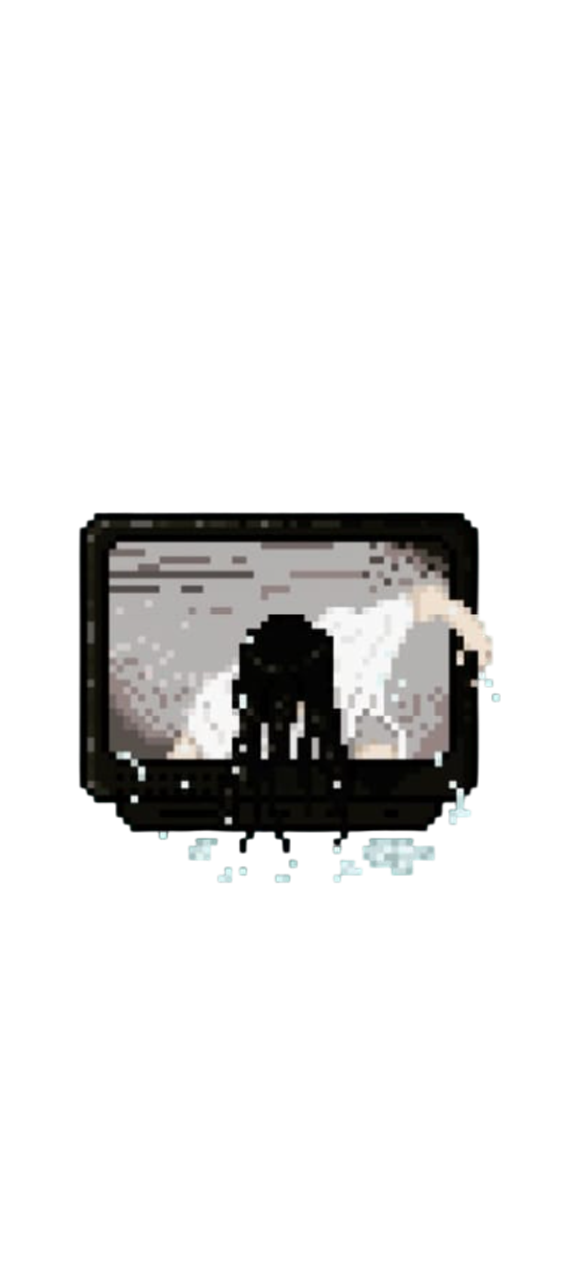
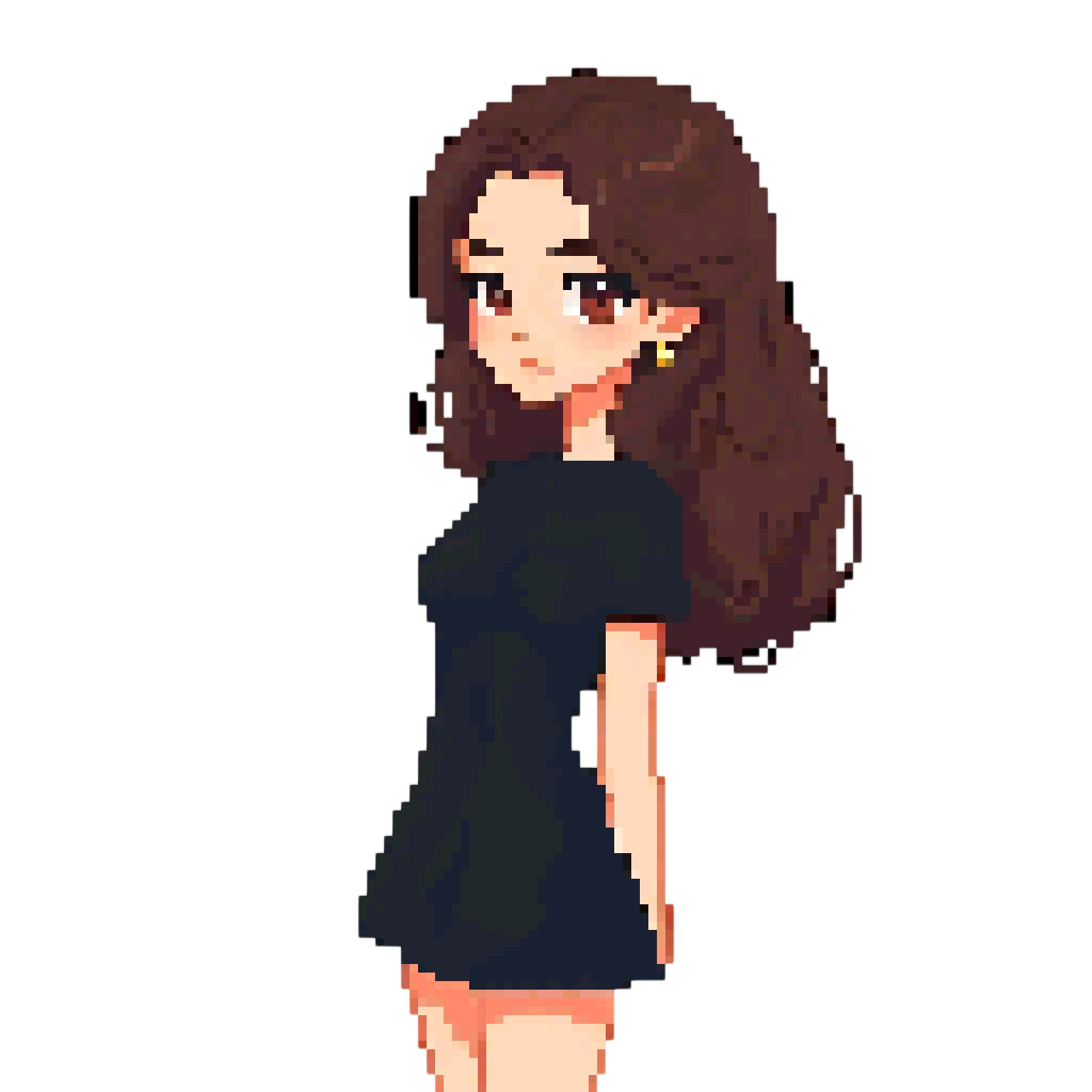
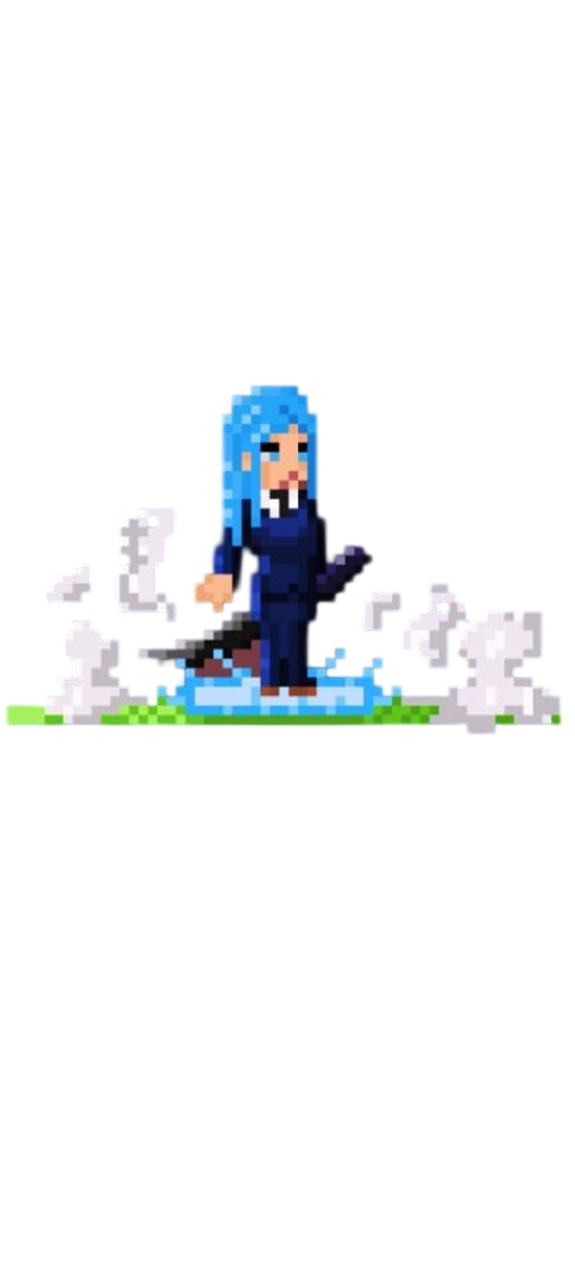
Get Started in Seconds
How It Works
No setup required. Open the editor and you're drawing in under 10 seconds.
Choose Your Canvas
Pick a resolution — 16×16 for retro NES style, 32×32 for the SNES era, or any custom size up to 1000×1000 for detailed illustrations.
Draw & Animate
Use layers, the animation timeline, Onion Skin, symmetry tools, and 15+ brushes to build your sprites and frame-by-frame animations.
Export & Ship
Download as PNG, Sprite Sheet, transparent APNG, GIF, or WebM video. Import straight into Unity, Godot, GameMaker, or share on social media.
What's Inside
Everything You Need, Nothing You Don't
Most pixel art editors are either too simple or cost $20/month. PixelPad Pro gives you professional-grade features — layers, timeline, selection tools, exports — completely free, with your files always staying on your device.
Multiple Layers
Create, duplicate, merge, reorder, and adjust opacity. Keep lineart, colors, and shading cleanly separated.
Timeline & Onion Skin
Full frame-by-frame animation with per-frame delay control. Onion Skin shows ghost of the previous frame to guide your movements.
Smart Transform
8-handle bounding box with live W×H label. Shift+scale locks aspect ratio. Shift+move snaps to 8px grid. Lossless rescaling.
NEWSmart Paste & Import
Paste any image from the web with Ctrl+V. It lands centered on your canvas, scaled to fit, ready to transform.
NEWAuto-Save
Your session is silently saved every 30 seconds. If the tab closes unexpectedly, you'll be offered to restore it next time.
NEWTouch & iPad Ready
Draw with one finger, pinch to zoom with two. Works on any tablet or touchscreen with a modern browser.
NEWMagic Wand & Lasso
Select contiguous color areas instantly or freehand-select complex shapes with the lasso tool.
Mirror Symmetry
Draw perfectly symmetrical characters in real-time with horizontal and vertical mirror tools.
Reference Window
Float a reference image anywhere. Zoom, pan, and pick colors from it without leaving the drawing tool.
Color Replace
Swap every instance of a specific color across the entire active layer with a single click.
Screen Recorder
Record your entire drawing process as a timelapse. Export as WebM to share your creative journey on social media.
Game Dev Exports
Sprite Sheet PNG, transparent APNG, GIF, WebM video — all exported client-side, instantly, with no queue.
aspect_ratio Best Resolutions
16×16, 32×32, or 64×64? Learn which canvas size fits your game style and how resolution affects your animation speed.
Read Guide →error Top 5 Mistakes
Avoid pillow shading, jagged lines, and color banding — the most common errors that make beginner sprites look amateurish.
Read Guide →compare Why Pixel Art?
Solo devs prefer pixel art for a reason. Discover how it slashes animation time and creates a cohesive visual identity fast.
Read More →gif_box APNG vs GIF
Stop using GIFs. Learn why APNGs and Sprite Sheets are the modern standard for game engines and web portfolios.
Read More →Speed Up Your Workflow
Keyboard Shortcuts
Every major tool has a shortcut. Keep your hand on the keyboard, not the toolbar.
keyboard Full Shortcuts Reference
More Resources
Guides & Tutorials
From your first sprite to professional game assets — everything you need to level up.
Retro Color Palettes
GameBoy, NES, Synthwave — load iconic palettes directly into the editor.
Walk Cycle 101
Master the 4-frame loop and bring your game characters to life.
Export for Unity & Godot
Exact settings to import your Sprite Sheets into game engines correctly.
Full User Manual
Step-by-step guide covering every tool, layer, and animation feature.
Got Questions?
Frequently Asked Questions
☕ Support a Solo Developer
PixelPad Pro is built and maintained by one person. If this tool saved you time or helped you ship your game, consider buying a coffee to keep the project alive!
local_cafe Support on Ko-fi